Posts

2-D Animation

Image
Hi!  Earlier on, My sister and I did a 2D animation class using Flash, and I eventually came up with this: It was actually quite a bit like Illustrator, except with animation.  An interesting note is that for animations, you have to make your objects into symbols if you want to animate them (or, more specifically, to fill in keyframes--otherwise you'll have to do each frame manually; not as fun at all).

It's Been a While...

Image
So MERRY CHRISTMAS!!!!! (Yes.  I know. Don't. Please just don't.) Used: Clone Tool (restoration), Quick Masks & Hue/Sat layers (color).

My Photoshop Project

Image
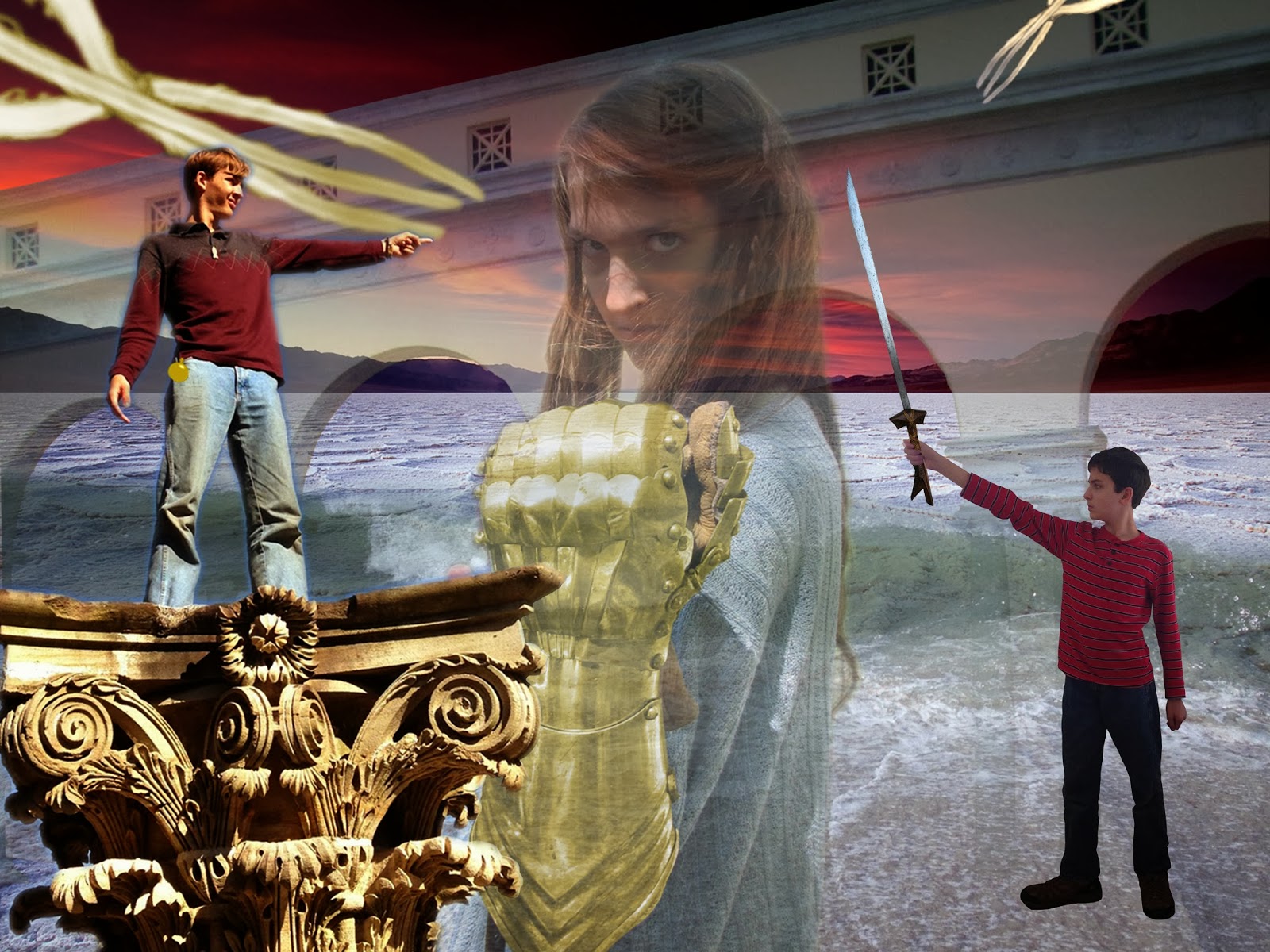
Finally!  After weeks of anticipation (from me, anyway) I've finally come to my last post on the college class!  Using quick masks (like erasing except it "hides" information instead of just erasing it), adjustment layers (see last post) and technically copyrighted material, I've produced my final project!  One of my favorite things about this is that a lot of it is actually real--I really was standing on that pillar, and my sister actually was wearing that glove, although it was originally silver (my brother's kampilan was photoshopped, unfortunately).  You can see where I got some photos right here .  The others I either took, got from Wikipedia (the sword), or Googled (Death Valley back there--under copyright, but apparently if you change the meaning of the picture--e.g. from nature to action--the copyright doesn't count).  If you have any questions, feel free to post some in the comments!

PS & Id

Image
My finals are DONE!  That said, I have quite a bit of catching up to do. First, I'll post about InDesign (even though I did PhotoShop first).  InDesign (Id) is for page layouts, pull quotes and that kind of thing.  Here was my project: I had to make the title and pull quote text fancy (via Paragraph Styles --assuming you've set the workspace to Essentials by going to Workspace-->Essentials, it should be on the right side of the screen), add images (File-->Place or Ctrl-D) and make the text wrap around it ( Text Wrap, next to Paragraph Styles ).  I also had to assign page numbers (from Pages , upward from Paragraph Styles , you can set them from the master pages). Next is the Table of Contents design. This used tabs to adjust to what degree which text is left-justified or right justified. On to PhotoShop! First, I had to clean up this: Before  This was done mostly by copying & pasting different parts of the screen (the H i...

I'd Just Noticed...

Image
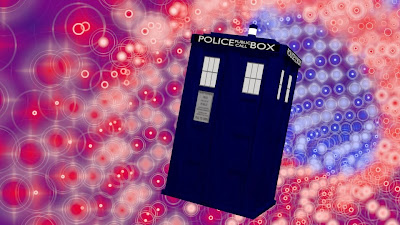
...that the day I'd published my last post happened to be the 50th anniversary of Doctor Who!  To commemorate this, I'm deciding to share an earlier picture I'd almost forgotten about: This is definitely among my favorites.  I'm not quite done with it, though--the "vortex" should probably be more like a textured, part-invisible cylinder (like in the 8th Doctor movie that I actually kinda liked in some ways but not others) rather than multiple rings made of halos , as I'd rendered.  Chances are that I could achieve first this effect using a ramp/colorband (a way to fit lots of colors on an object without textures or faces). What I should probably go for Meanwhile, I've been preparing for finals at college (which is going moderately well), digressing on careers as an author, singer and/or global dominator, and have redesigned my blog!  I'll share my Photoshop experiences later!

The Rest of Illustrator

Image
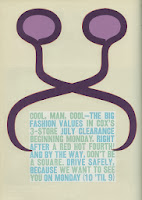
Finals are fast approaching for me and I notice that I've only posted one post on my college experience.  So, here's the rest of the stuff I've been doing in Adobe Illustrator: 1. Varga. You'll have to trust me that the symbol didn't start out purple.  The goal here was that I'd use the Pen Tool to "trace" the odd now-purple symbol by a man named Arnold Varga, the trick being that it had to be achieved with 25 anchors (clicks) or less. The pen tool uses Bezier Curves, a kind of curve that makes curves that are always in a 180 degree relationship.  In other words, if I click and drag and draw 3 vertical lines identical in height exactly .3 inches away from each other, they look like this: Actually, I don't know quite how else to describe Bezier Curves mostly because I don't know how they work myself.  Either way, though, you get better at it when you practice. 2. The Crash Course. This experiments with just about everything else in...